Quickstart Path
Everything you need to verify Manor AI as a self-hosted AI workspace runtime: clone the repository, start the local stack, sign in, add a model key, inspect the seeded workspace, and confirm that governed actions pause for human review.
What this is, briefly
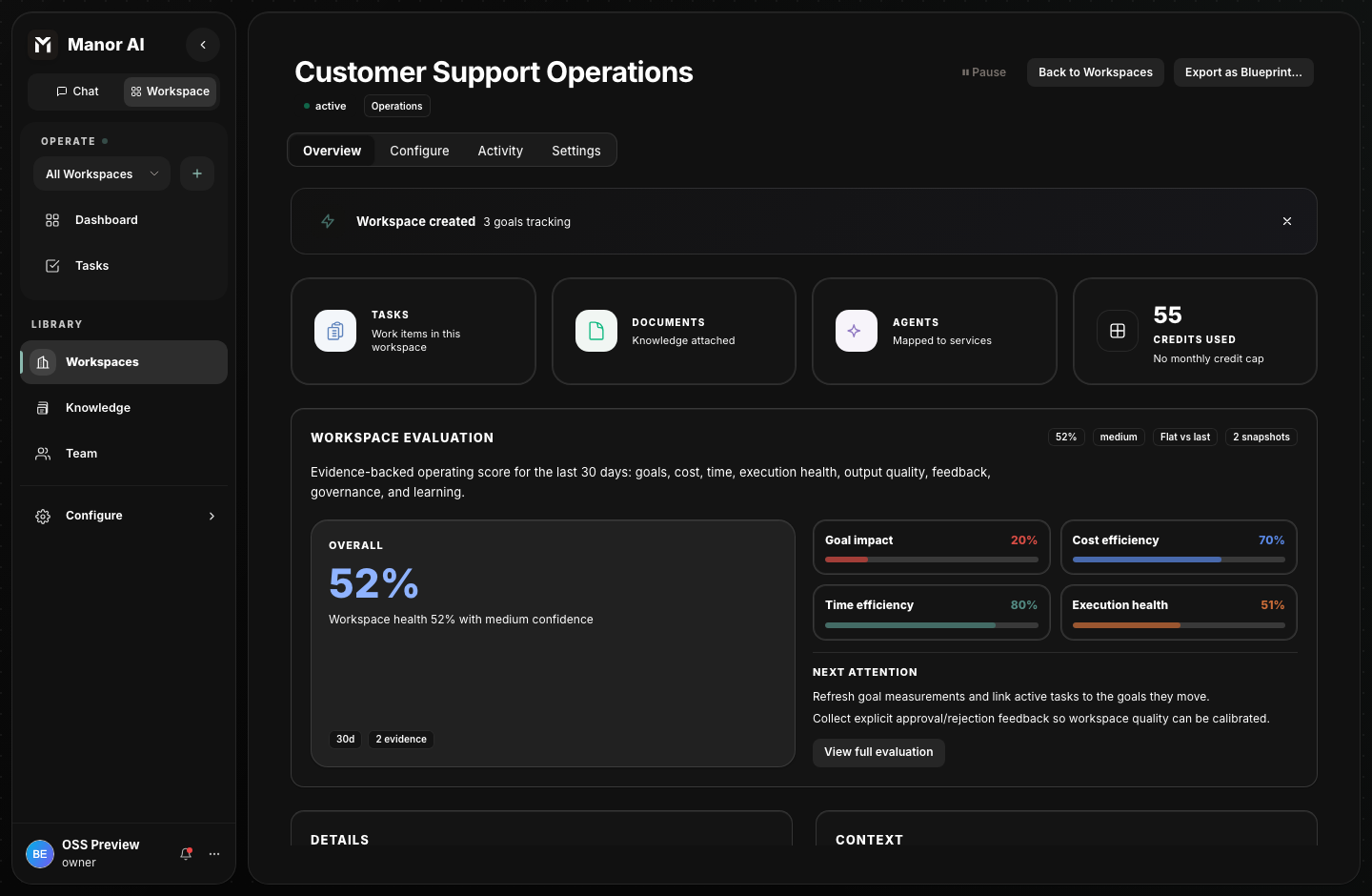
Manor AI is a self-hosted AI workspace runtime. A workspace holds goals, tasks, documents, knowledge, agents, tools, and human approval rules in one place so operators can see what agents are allowed to do.
The first run should prove four things:
| Idea | What to look for |
|---|---|
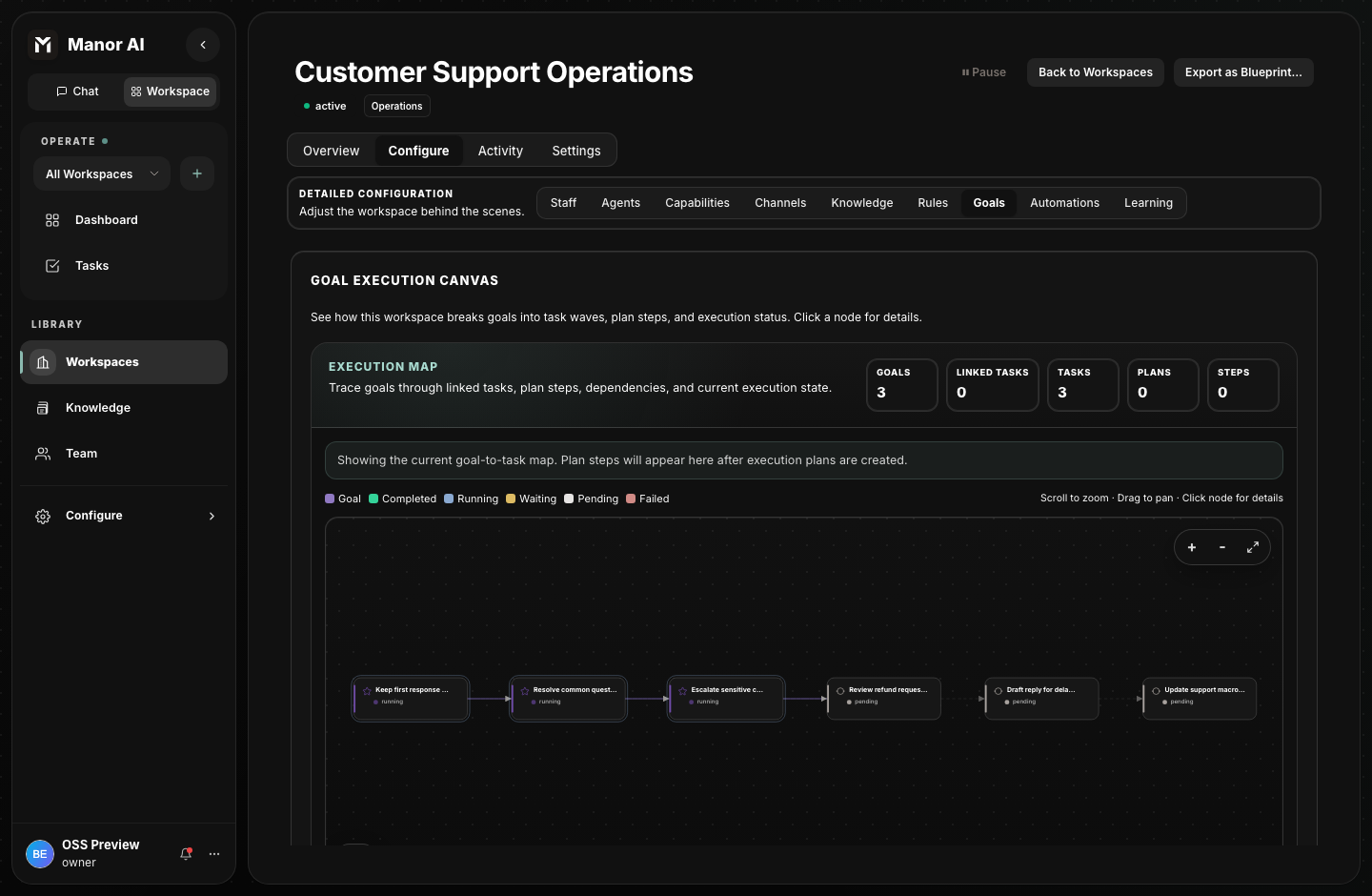
| Workspace | Goals, tasks, knowledge, rules, and agent mappings in one operating view |
| Runtime | API, worker, PostgreSQL, Redis, MinIO, and sandbox services running together |
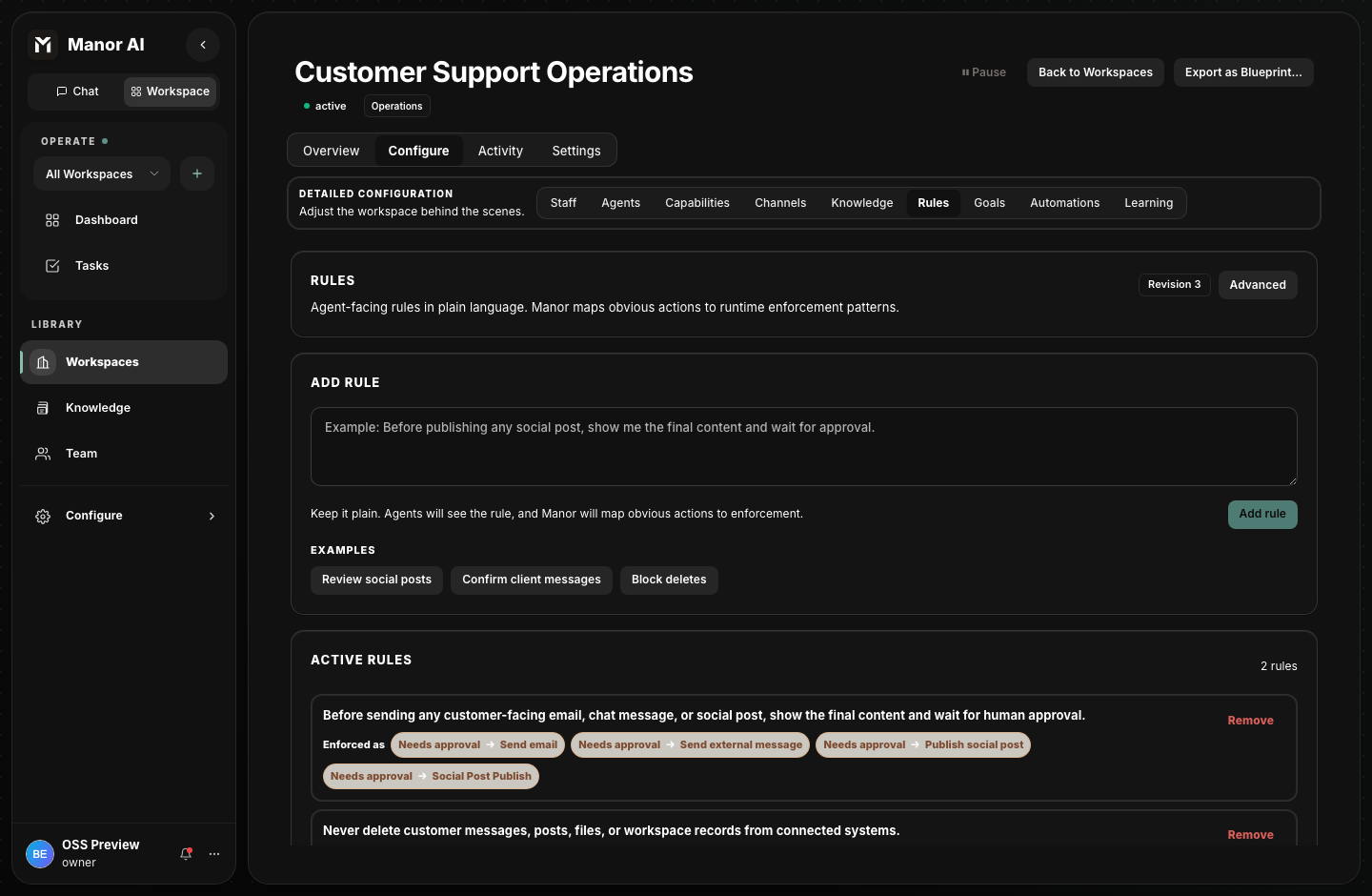
| Governance | Plain-language rules mapped to approval and deny action patterns |
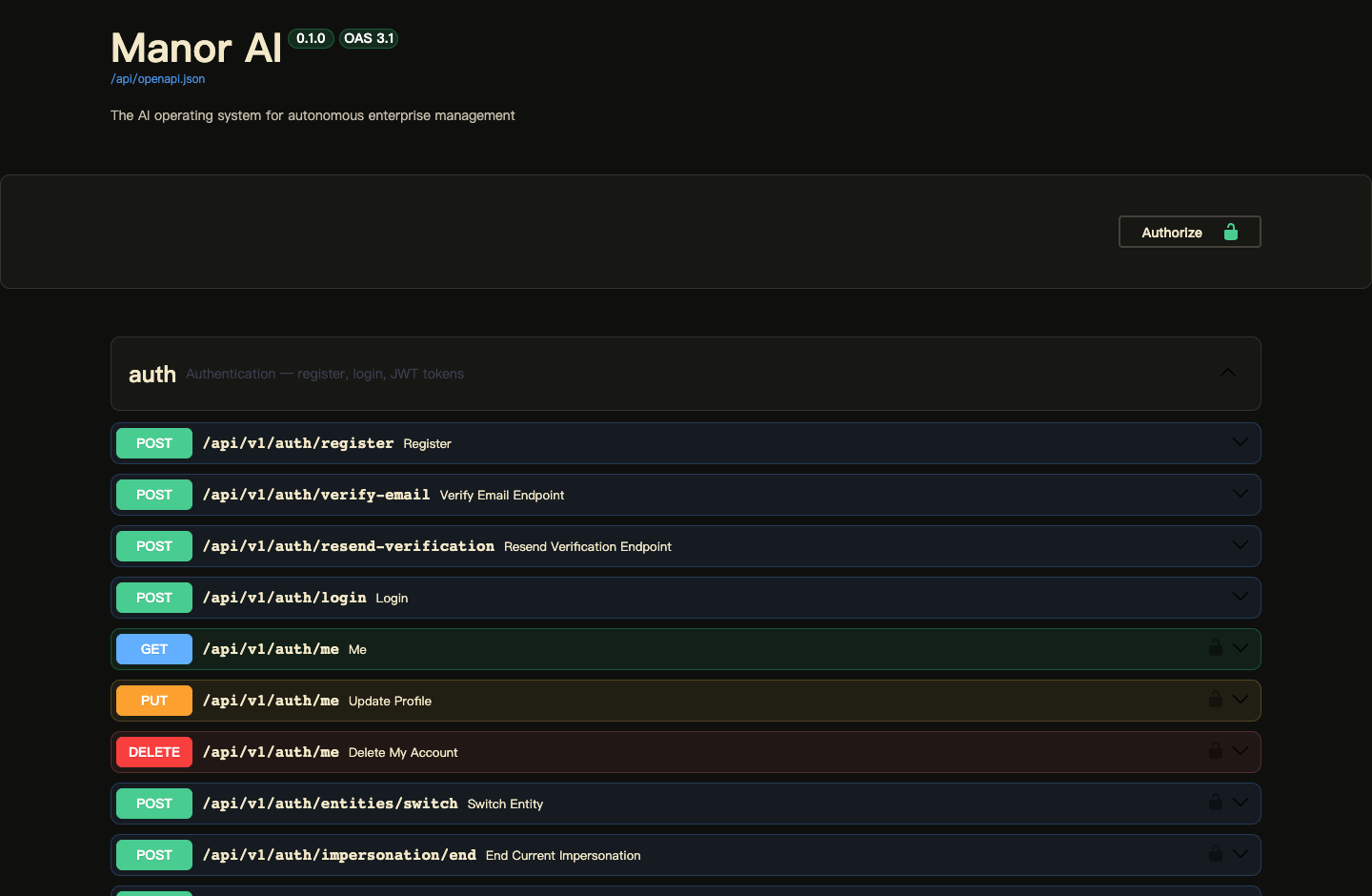
| API surface | FastAPI endpoints that match what the web app uses |
Before the path
Install Docker Compose v2, Git, Python 3.11 or newer, and Node.js 20 or newer. For a local evaluation, copy the example environment file as-is. For any shared deployment, replace the generated secrets and configure provider credentials before inviting users.
git clone https://github.com/manor-os/manor-ai.git
cd manor-ai
cp .env.example .env
Change secrets before sharing a deployment. The demo account and default
.env.examplevalues are only for local evaluation.
The 5-minute path
Allow about 5-10 minutes after Docker images are available locally.
| Step | Page or command | What you should see | Approx. |
|---|---|---|---|
| 1 | docker compose up --build -d | Core containers become healthy | 2-5 min |
| 2 | http://localhost:18080 | Login page and seeded demo account | 1 min |
| 3 | Settings | Provider key saved in your deployment | 1-2 min |
| 4 | Workspace | Tasks, goals, documents, and runtime score | 1 min |
| 5 | Governance | Sensitive actions require approval before tools run | 1 min |
1. Start the stack
docker compose up --build -d
This starts the web app, API, worker, PostgreSQL with pgvector, Redis, MinIO, and the sandbox service.
2. Open Manor AI
Open the local web app:
http://localhost:18080
Self-hosted mode seeds a local demo account:
demo@manor.local / manor-demo
3. Add a model key
Open Settings and add a provider key for the model path you want to use. Manor AI is BYOK in self-hosted deployments; provider credentials stay in your deployment.
4. Inspect the workspace
Open the workspace view and check the operating score, goals, tasks, documents, and agent mappings. The workspace should look like a running system, not an empty SDK sample.
5. Check governance
Open workspace rules. Sensitive actions, such as external messages or social posts, can require human approval. Destructive actions can be denied before a tool runs.
What you'll see at the end
By the end of the path you should have:
- A browser session at
http://localhost:18080. - A signed-in local demo account.
- The API, worker, database, cache, object storage, and sandbox services running.
- A workspace with tasks, goals, and governance rules visible.
- Local API documentation available from the same deployment.
Where to go next
- Installation explains local and deployment prerequisites.
- Configuration documents every environment variable — secrets, model providers, storage, rate limits, and channels.
- Workspaces and Knowledge, Agents, Tasks, and Goals & Plans cover the core operating model.
- Workflows and Automations cover node-graph and scheduled automation.
- HITL Governance explains approval and deny policies before agents touch external systems.
- Message Channels connects WhatsApp, Telegram, Slack, email, and more to your agents.
- API Reference maps the HTTP API used by the web app.